

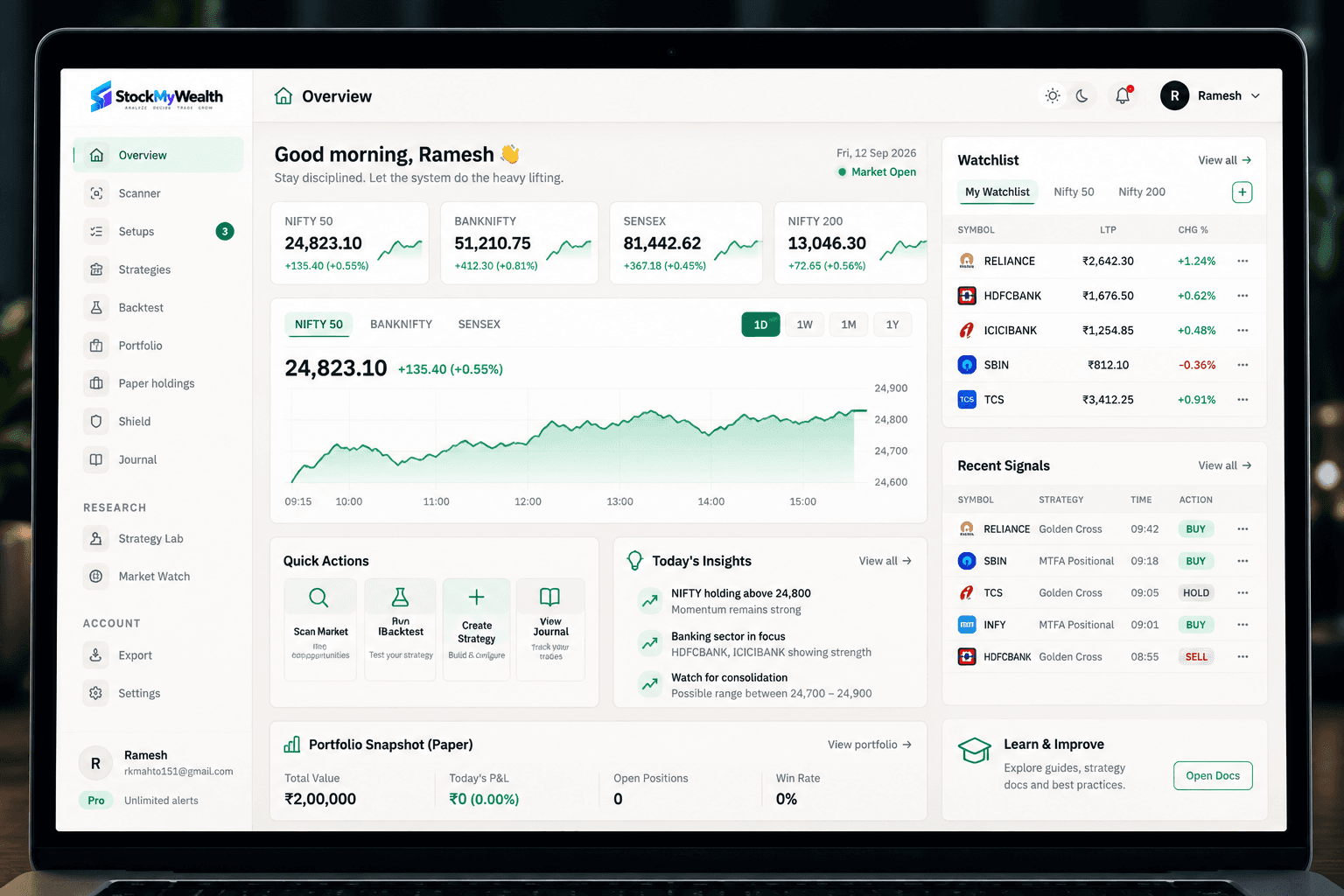
1. Scan
Find opportunities on your watchlist using configured strategies.
A smarter way to trade
Scan the market, analyze setups, plan your risk, and approve every trade — starting on paper, before it reaches your broker.
How it works
Go from market opportunity to a well-planned trade — with built-in risk management.
1. Scan
Find opportunities on your watchlist using configured strategies.
2. Analyze
Review the setup and key insights before acting.
3. Plan
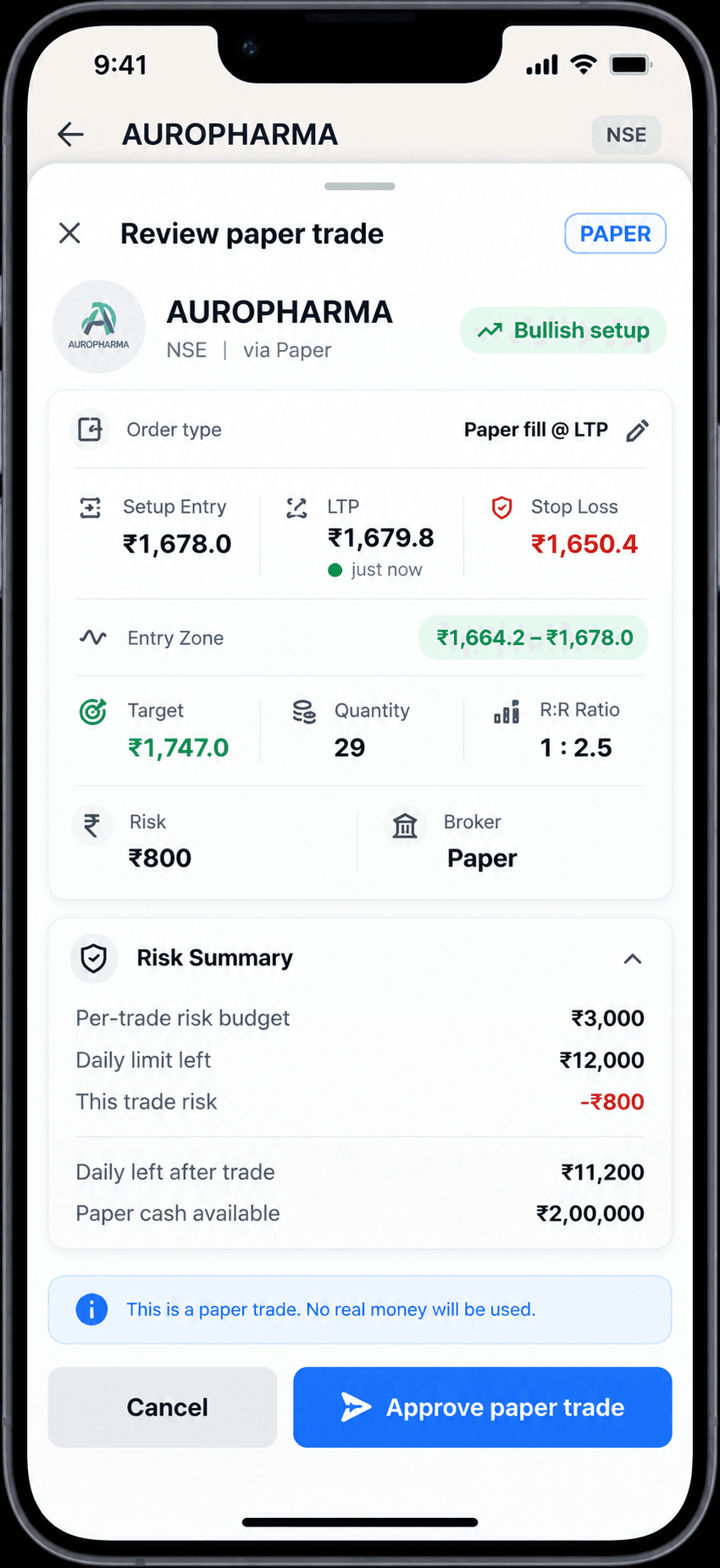
Check risk limits and position size.
4. Approve
You make the final decision.
5. Trade
Execute via your connected broker when ready.
6. Track
Monitor outcomes and learn from every trade.
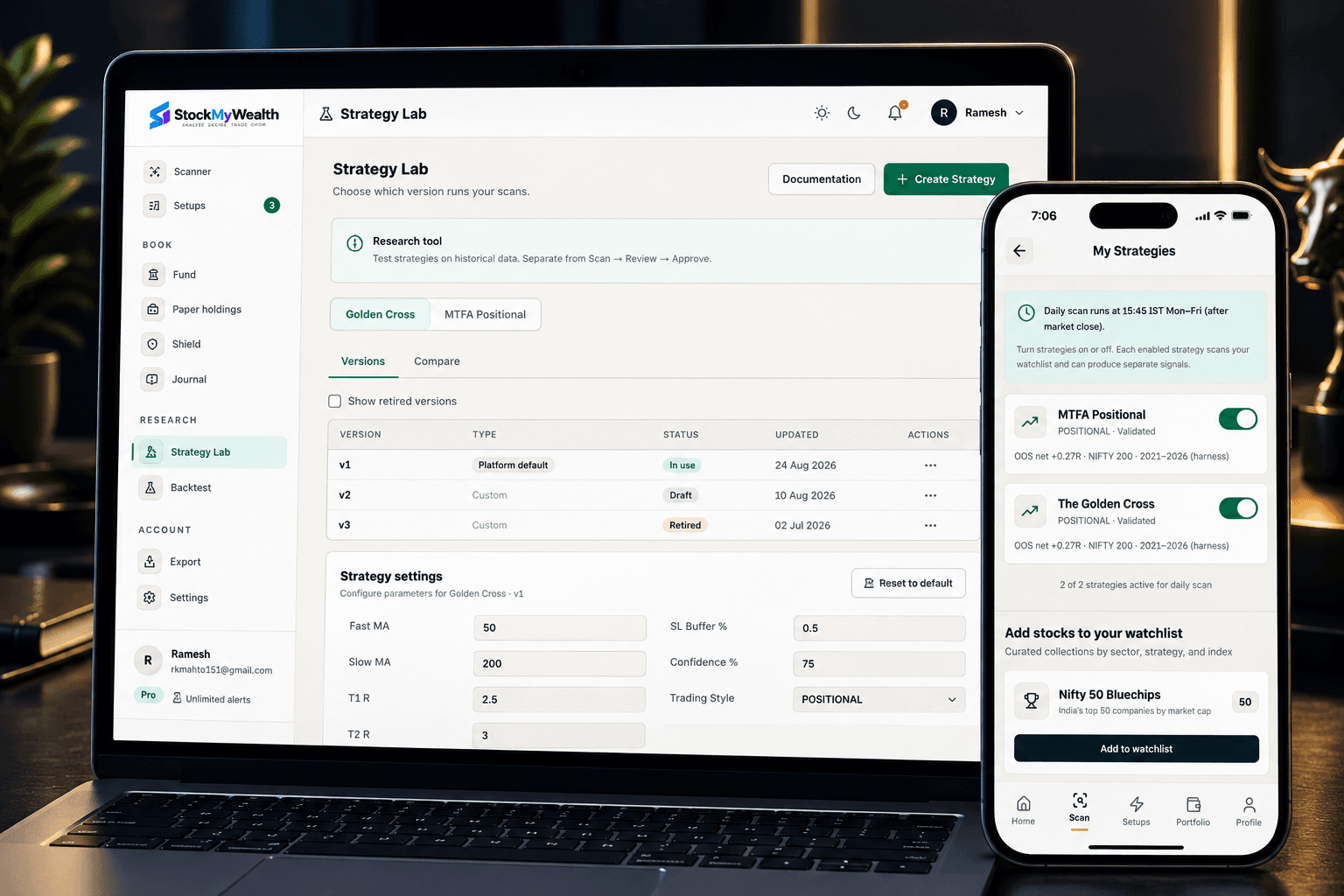
Web Pro Desk
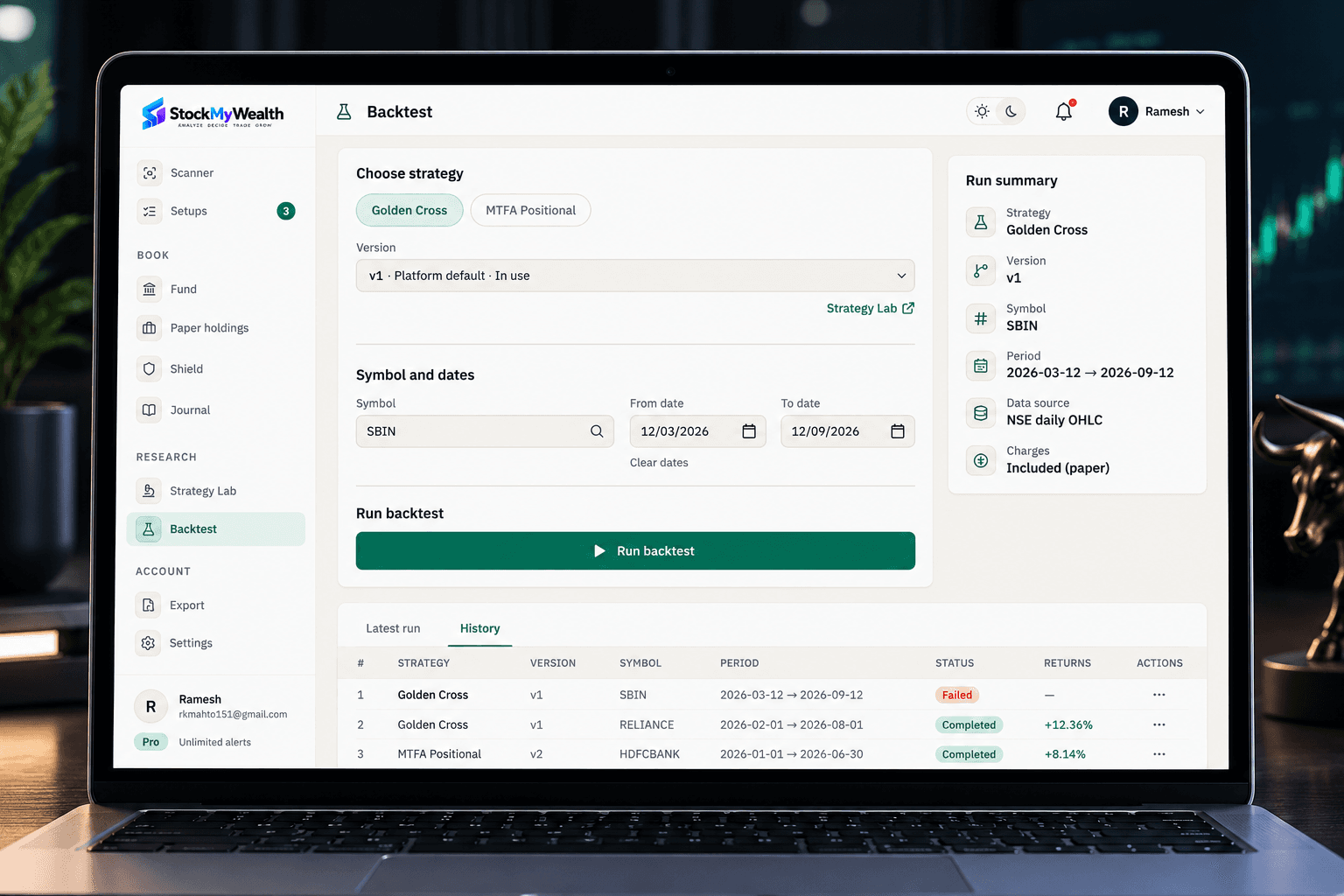
Scan your watchlist, run backtests, and plan trades before you move to mobile for approval.
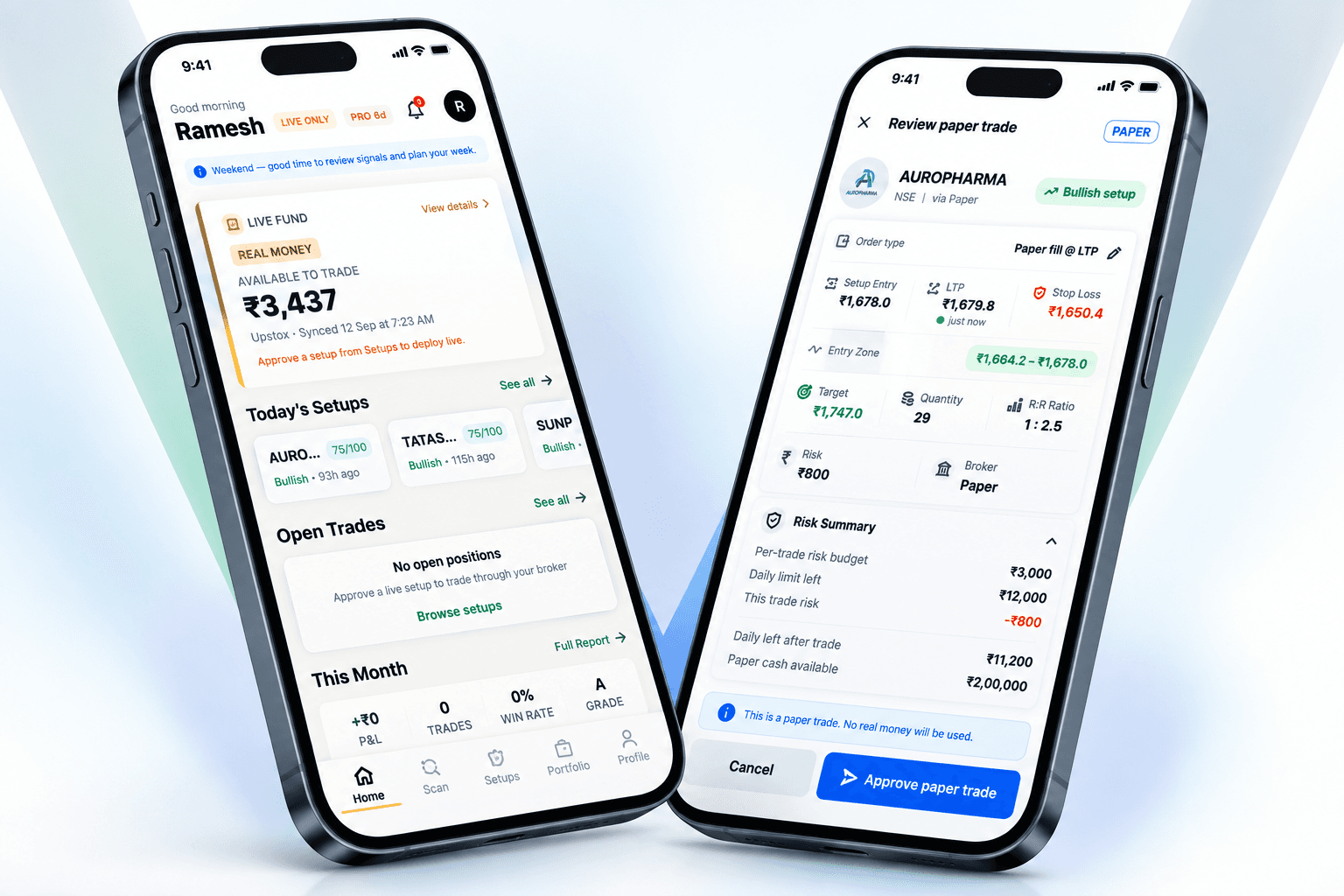
Mobile App
Review risk, approve trades, connect your broker, and track outcomes — from your phone.
Mobile apps are coming to the App Store and Play Store. Beta builds are shared directly with invited testers.
Setups are scanned and validated against frameworks you configure — on your watchlist, after the close.
Multi-timeframe analysis for swing and positional setups on your watchlist.
Trend-following setups validated against your risk rules before approval.
Additional strategy research is evolving.
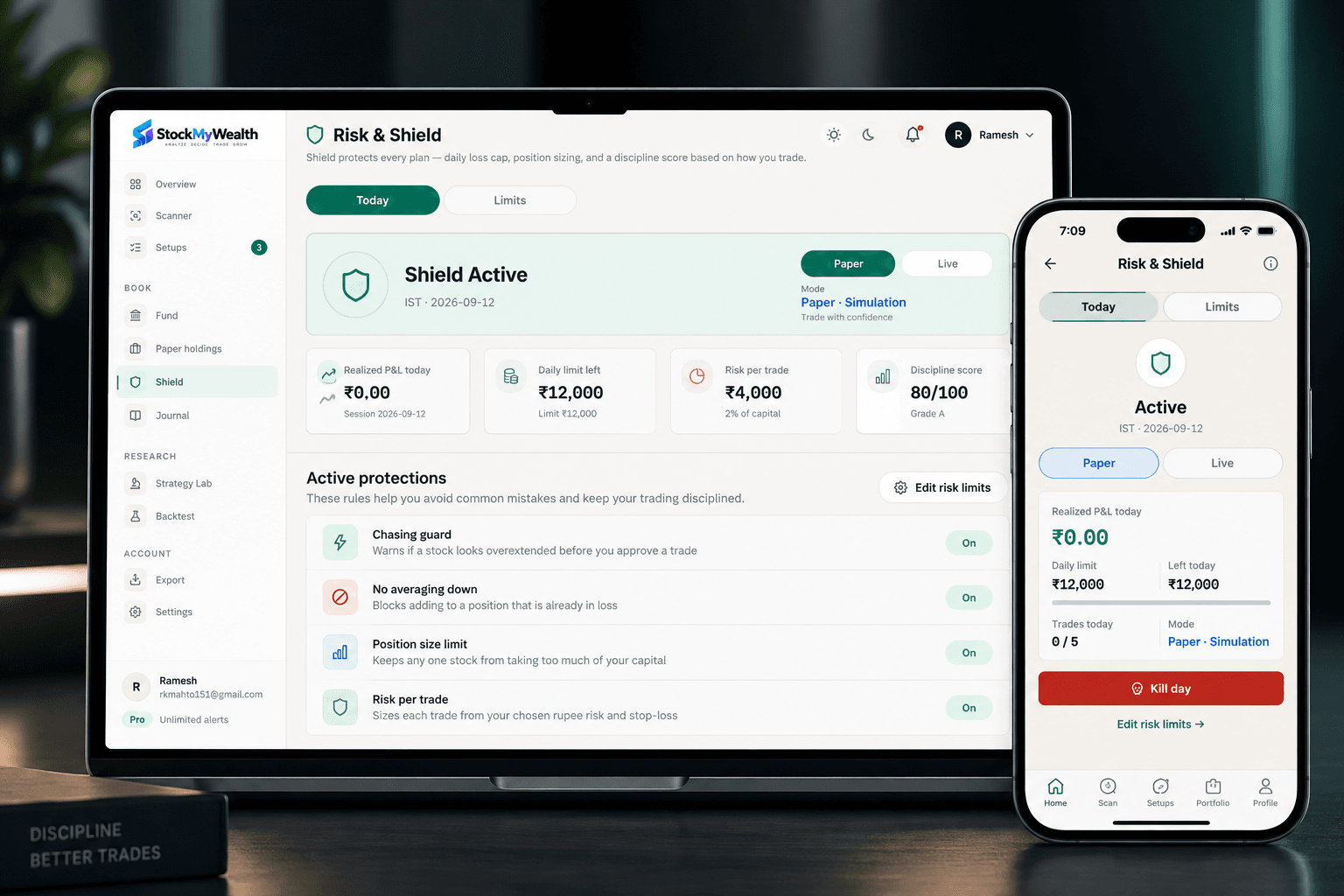
Risk & Shield
Define risk limits, size positions from your rules, and validate every trade against your Shield before approval.
Brokers
Start on paper. Connect Upstox or Angel One when you're ready for live approval and sync.
Live trading support
Live trading support
We never hold your funds. StockMyWealth is not a broker — you stay in control.
A structured workflow for traders who want clarity, control, and discipline — not tips.
Structured setup review — not blind signals.
Know your downside before you trade.
Track every decision and improve over time.
No tips. You approve every trade.
StockMyWealth is a technology tool. We are not a SEBI-registered Investment Adviser, Research Analyst, or Portfolio Manager. Setups are chart information, not recommendations. Paper results are not live results. Trading carries risk of loss, including loss of capital.
Practice the scan-to-approve workflow on paper before live capital.
Broker connect, live approve, deeper analysis and the full Risk Shield.
FAQ
Build a repeatable scan-to-approve workflow — starting on paper.
You approve every trade.
StockMyWealth is in invite-only beta. Leave your email and we’ll reach out as places open up.
Trading and investing in securities carries risk, including the loss of your capital. Nothing on this site or in the app is investment advice, a recommendation, or a solicitation to buy or sell. StockMyWealth is not a SEBI-registered investment adviser or research analyst.
StockMyWealth is a software tool. It does not hold your funds, manage your money, or trade on your behalf. When you connect a broker and approve an order, a real order is placed in your own account with your own money. You approve each one individually.
The app shows how its strategies behaved on historical data. A backtest is a reconstruction, not a result: it assumes fills that may not have been available, leaves out companies that dropped out of an index, and cannot reproduce real costs and slippage. Past behaviour does not predict future results. A strategy that was profitable across years can lose money for months at a stretch. Both strategies shipped today — MTFA Positional and Golden Cross — have had losing stretches, including recent ones.
Protective stop-loss orders are placed at your broker and depend on your broker accepting and executing them. A stop can fail to fill, or fill at a worse price than its trigger, particularly on a gap or in a fast market. Do not treat a stop as a guarantee of your maximum loss.
StockMyWealth is in invite-only beta. Features may change or break, and your broker’s own statements — not this app — are the authoritative record of your trades.
Full Terms of Service and Privacy Policy.